-
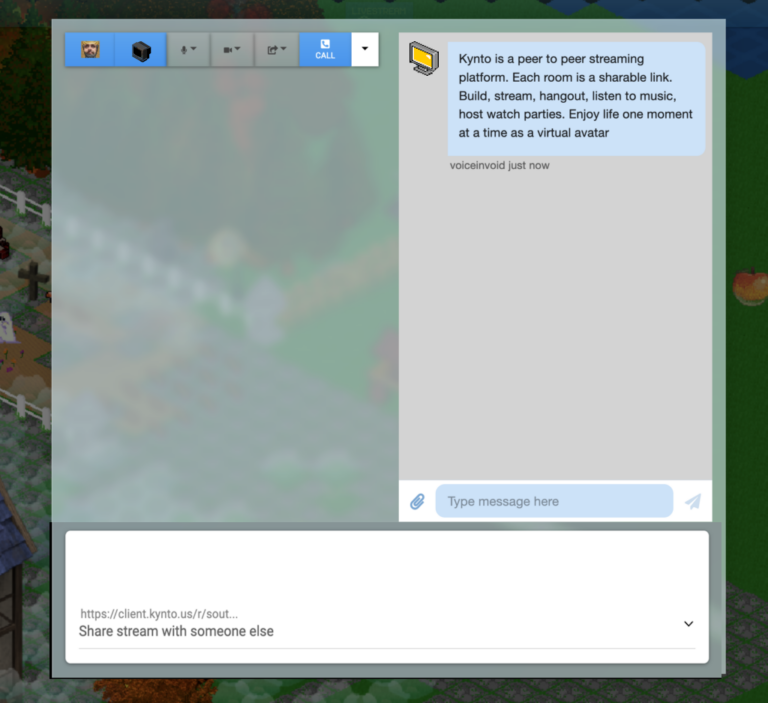
How to share files via P2P in Kynto?
Struggling to send large files to friends and family? Tired of hitting email limits or being asked to pay a fortune for a simple transfer? Kynto’s Peer 2 Peer file transfer tool is here to save the day! Easily share files with…
-
How to stream games off the Steam Deck using Kynto
You can stream games off of the Valve Stream Deck using the avatar chat video game Kynto.
-
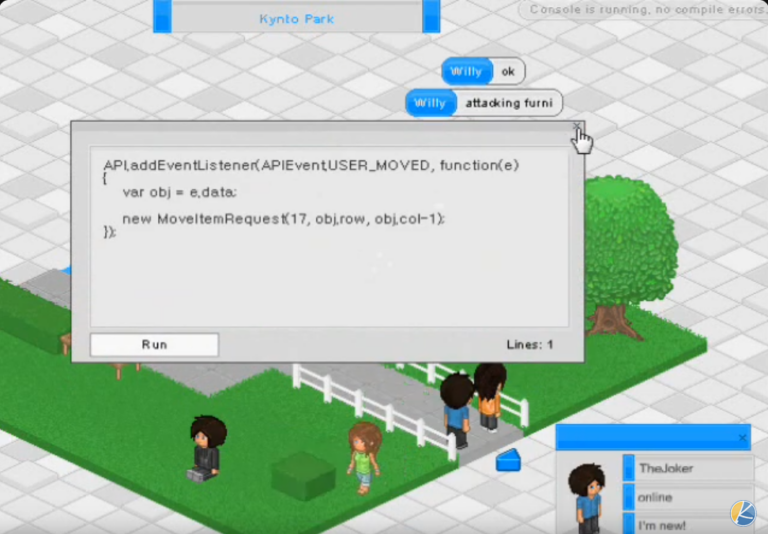
Kynto Furniture API
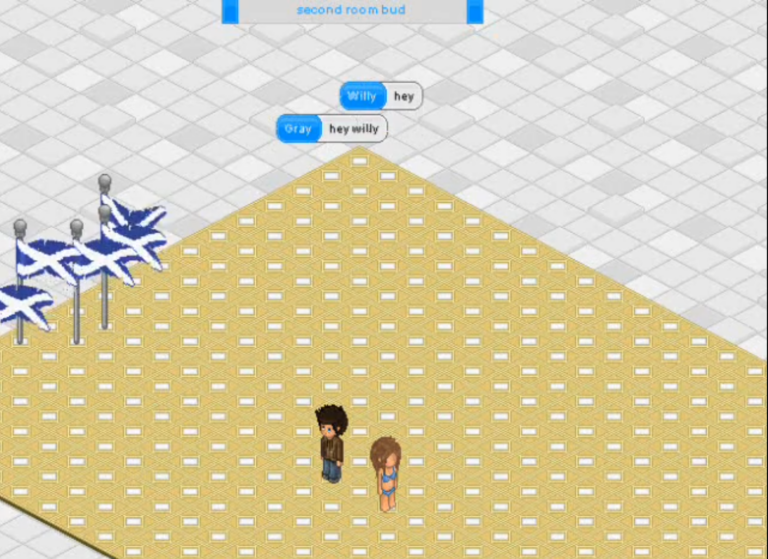
This video shows you one of the earliest versions of Kynto!
-
kynto attacking furni
-
Remote Desktop Tool Showcase – Mouse Movement on Kynto
This feature is actually incredible as you will be able to control any computer anywhere in the world as long as they have access to Kynto. As Kynto is so light weight and easy to use. This is going to directly improve the usability of remote computers or other computers. I do not know about you, but recently we have tried to use competitors remote desktop tools, they are all difficult to install and use for normies.
-
How to Send Short Videos Messages in Kynto
Introducing an exciting new addition to Kynto! With this upcoming feature, users will have the ability to create and share short video messages with fellow players. This innovative addition promises to revolutionize communication within the platform, offering a quicker and more engaging…
-
Open Source – OG Kynto
Attached below are two links to client and server for Kynto from around 2009. Below is the Kynto client that was written in AS3 and JS via a Javascript bridge. This allowed Kynto to leverage API like functionality by invoking Kynto methods,…
-
Kynto Can See you
Get ready to have your mind blown by Kynto’s Chat GPT4 Turbo. Picture this: Kynto can actually “see” and understand visual data. It’s like having a super-smart buddy who can unravel the hidden meaning behind visuals. So, if you’re eager to dive into the world of cutting-edge virtual experiences, Kynto is your go-to companion! Let’s explore together and stay ahead of the game!
Witnessing Kynto’s visual AI prowess was truly awe-inspiring. When presented with an image of a laptop resting on a table, Kynto’s capabilities shone brightly as it effortlessly recognized and correctly labeled it as a laptop. With its powerful integration of advanced image recognition algorithms, Kynto analyzed the image in an instant, flawlessly identifying the key features that defined the object. From the sleek design to the arrangement of the keyboard and screen, Kynto’s keen eye for detail showcased its remarkable ability to comprehend and interpret visual content. This breakthrough capability paves the way for immersive experiences within virtual environments, where Kynto’s artificial intelligence opens up endless possibilities. Stay ahead of the curve with Kynto, your ultimate partner in exploring the forefront of technology.
-
building blocks
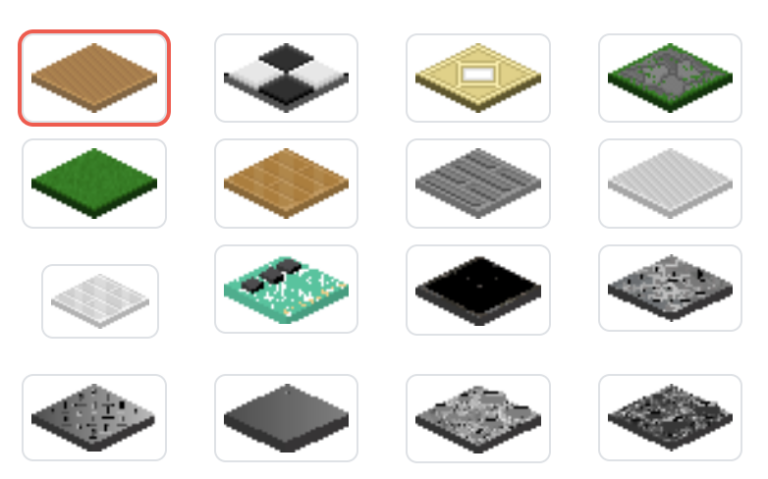
Every room in Kynto is composed of tiles.
-
kamadhenu